
Dashboard & account
Billing history & invoices
Every payment, receipt, and invoice PDF — in one place, in rand, VAT-inclusive.
Last updated 2026-07-29
Every rand you've paid Liivra — a listing fee, a promotion, a verification add-on, a subscription — is recorded here, with a receipt you can download.
Where to find it
Dashboard → Billing (/dashboard/billing).
What you'll see
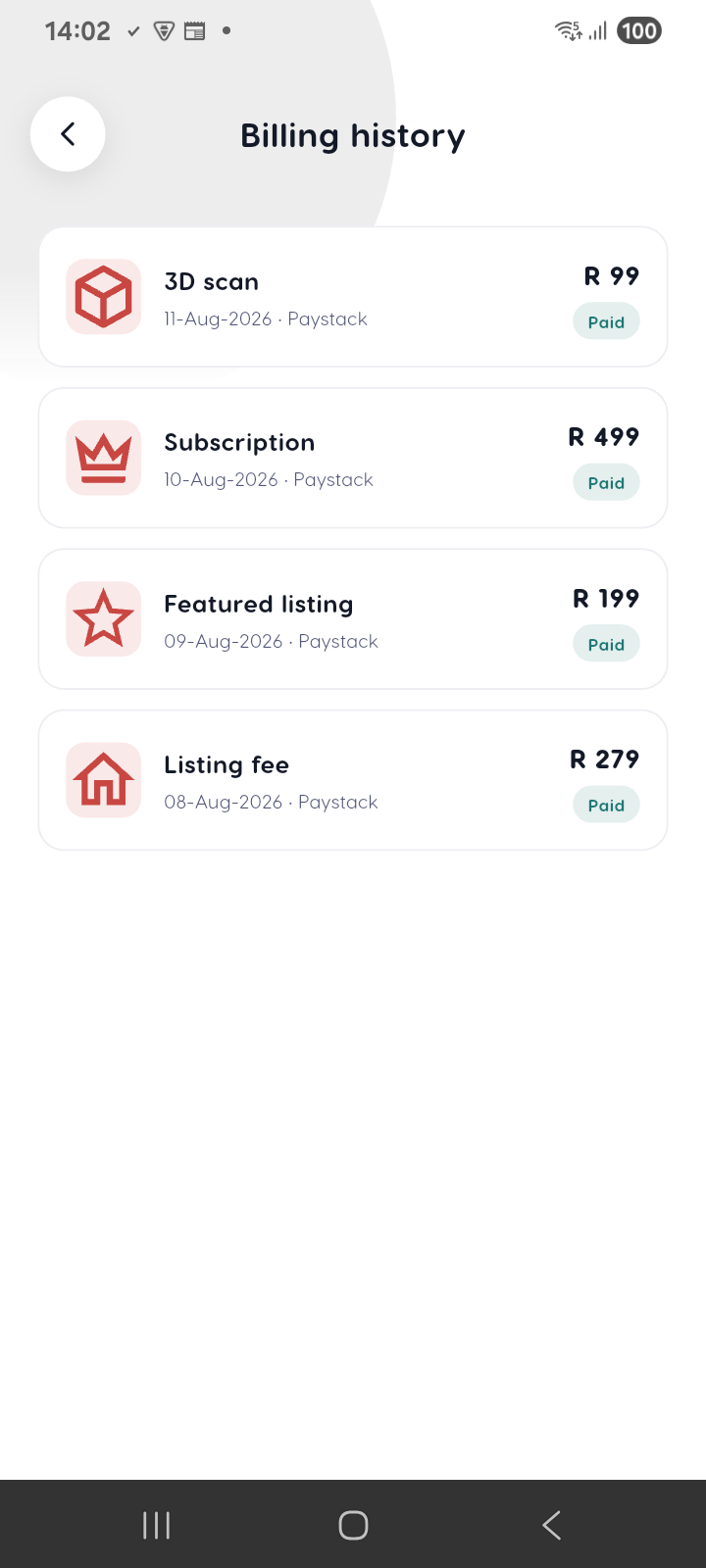
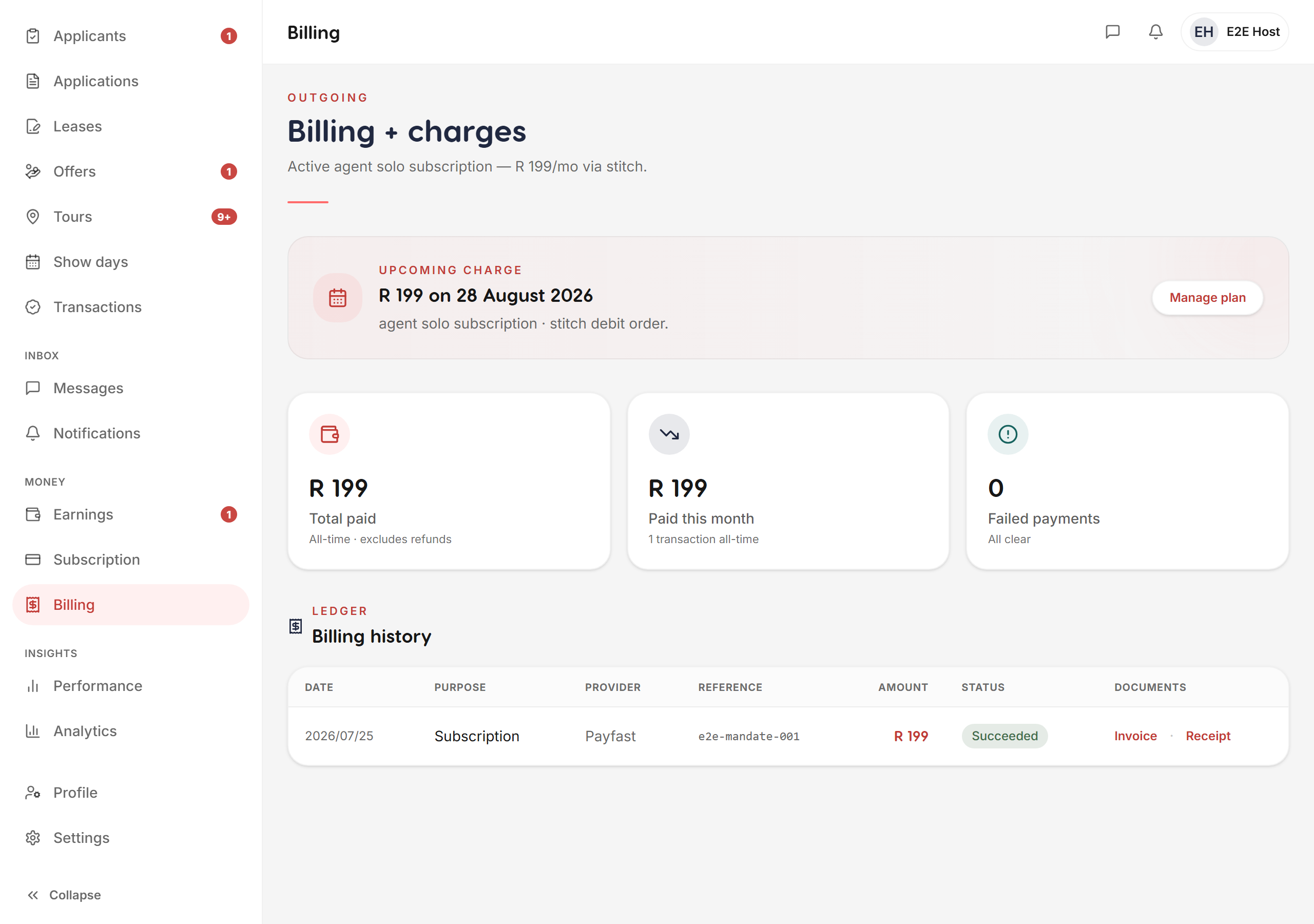
- A payment history — each charge with its date, purpose, amount, and status. A completed payment reads as Succeeded — never a stale "pending".
- An invoice for each payment — open the billing detail to see the VAT split and grand total, and download the invoice PDF via a secure, time-limited link.
- Everything in rand (
R), VAT-inclusive.
How you paid
Payments run through our South African rails — Paystack, Ozow, and EFT (never crypto). You never enter card details on Liivra itself; the hosted checkout keeps your card off our systems.
Related
- Set up or change your plan under manage your subscription.
- Understand the full set of rails and what each charge is for in payment methods & billing.
- For how your deposit is protected (recorded, not held by Liivra), see Liivra Secure.
Your complete paper trail — download any invoice whenever you need it for your books.
Screenshots
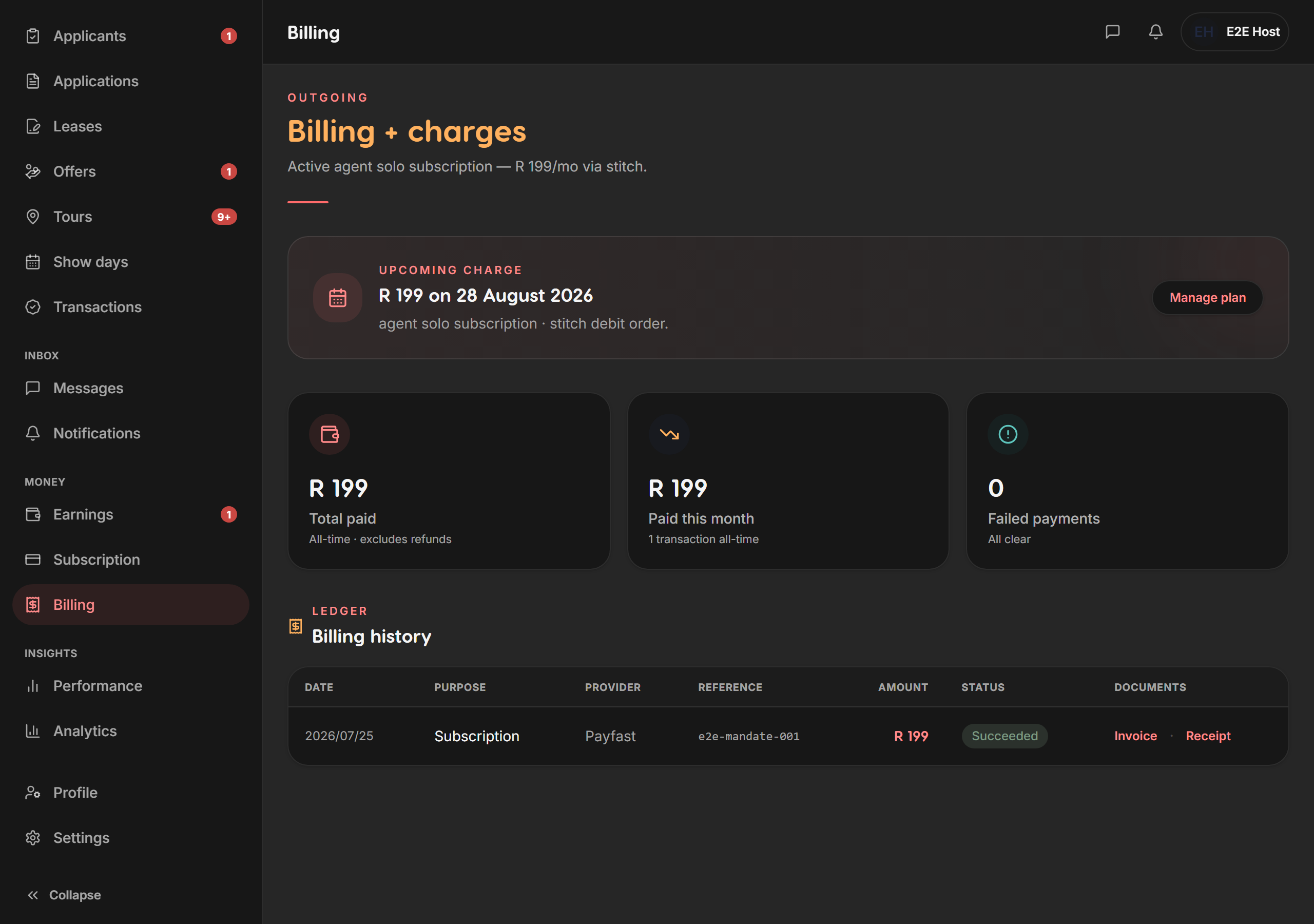
Captured from the live Liivra web app.
On mobile
The same screens in the Liivra iOS & Android app.